Your AI Agent for automatic order entry
Handle even complex orders without manual effort
notes
How Sales Order Entry Automation Works
Step 1
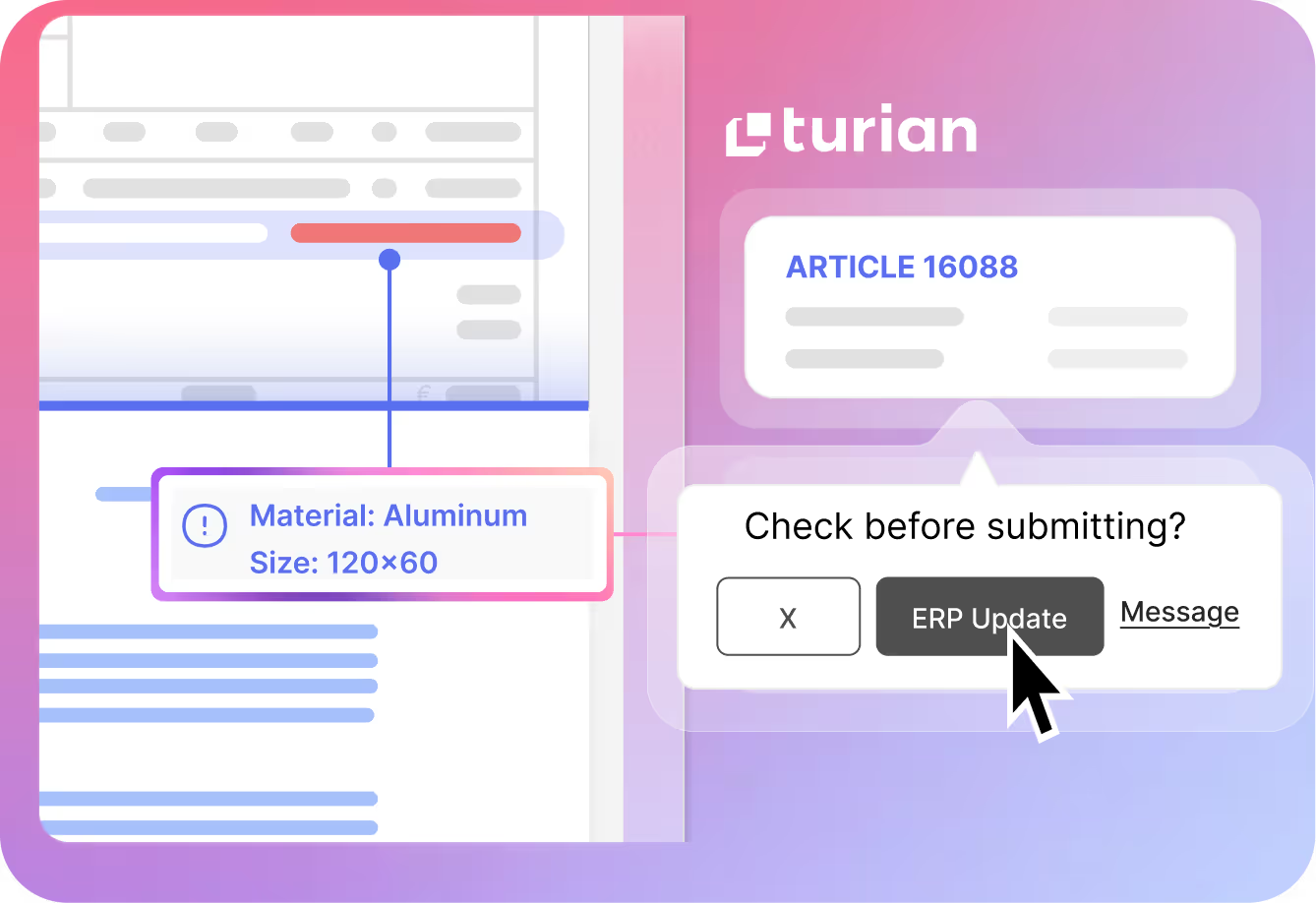
Step 2
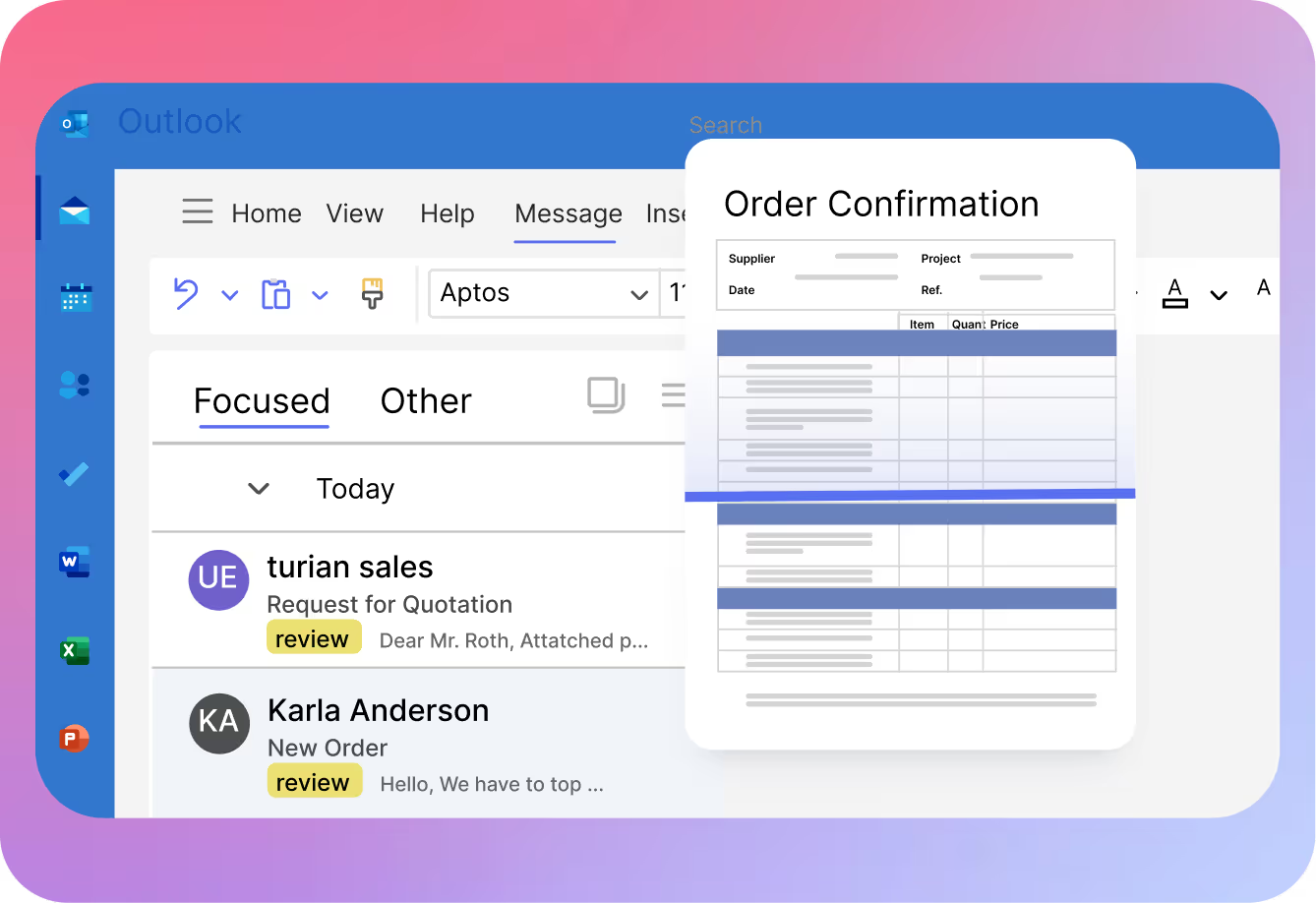
Step 3
How you benefit from turian’s sales order automation

Increased revenue
Win more deals by responding faster

Reduce processing costs
Cut order processing time by up to 85%

Better data
Fewer errors in item selection and cleaner ERP data

Improve customer satisfaction
No more unanswered requests and faster response times

Strengthen customer relationships
More time for personal client interactions and optimizing offers

Effortless Scaling
Process more sales orders without increasing headcount
Smooth integration with your existing tools
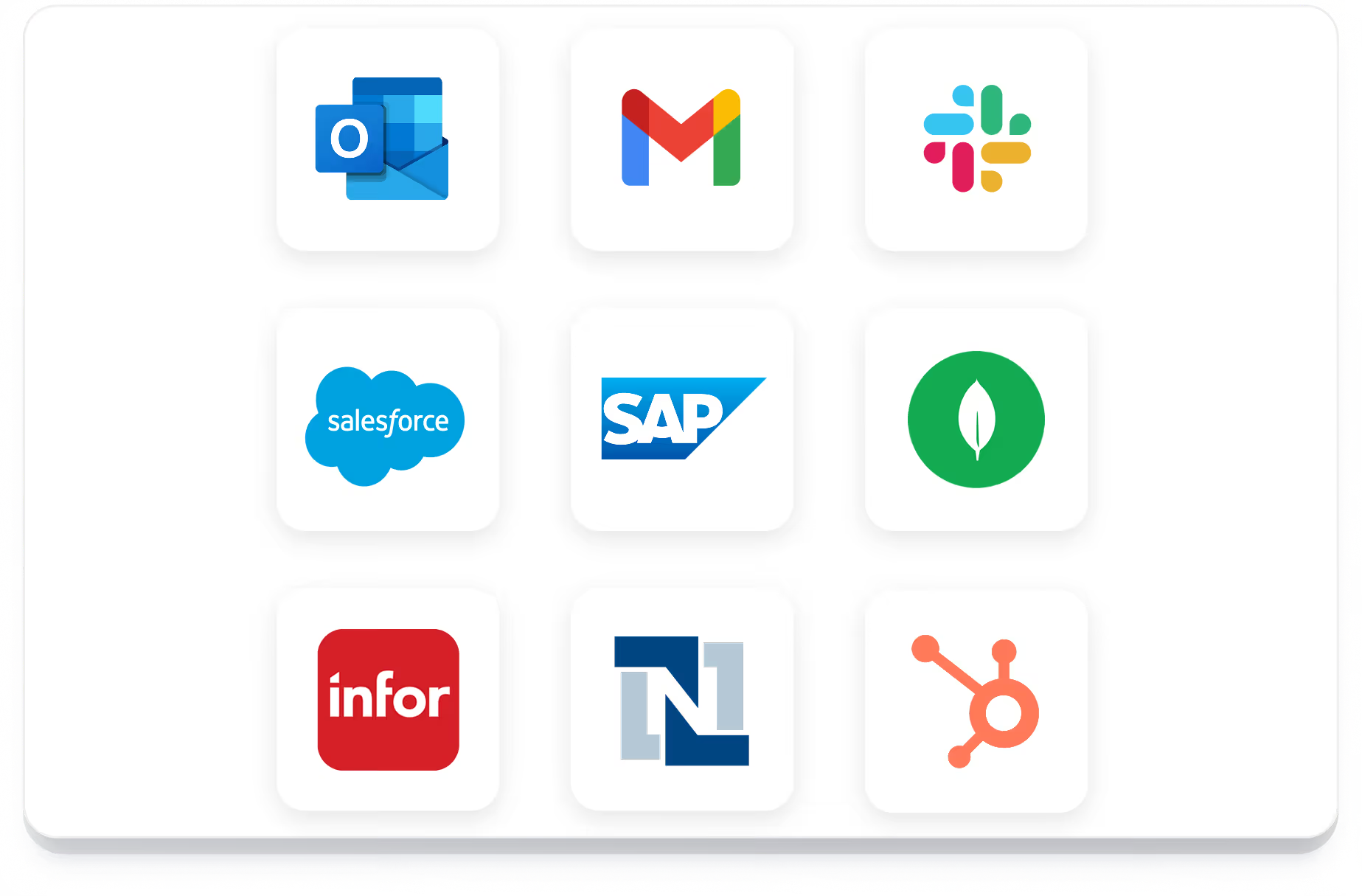
turian's AI agents integrate seamlessly with your ERP and CRM systems and email inboxes. We offer standard connectors for a wide selection of tools and applications.
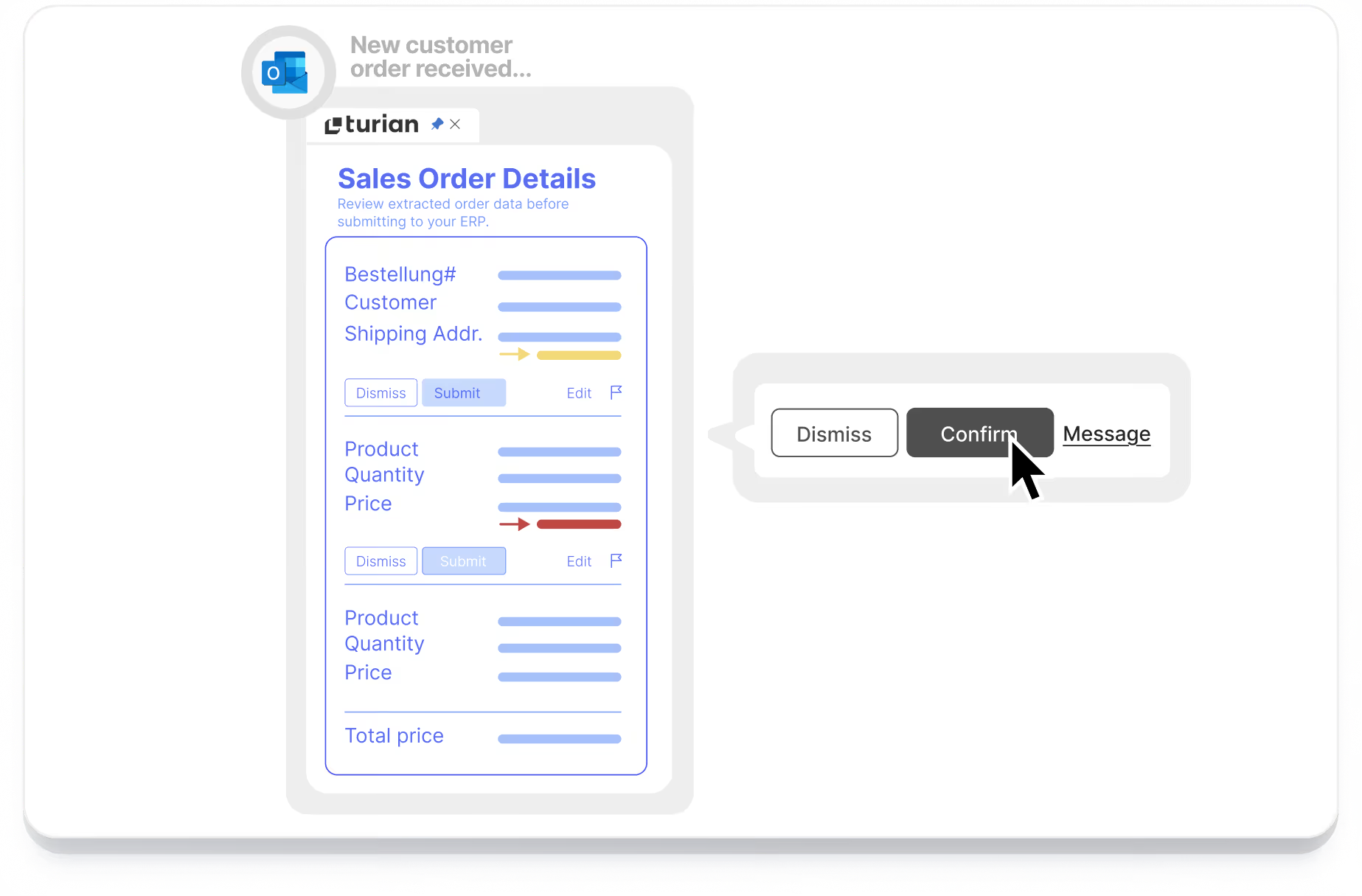
Users can make checks or changes directly in Outlook with our add-in or use our browser-based platform.
Automated mailbox management
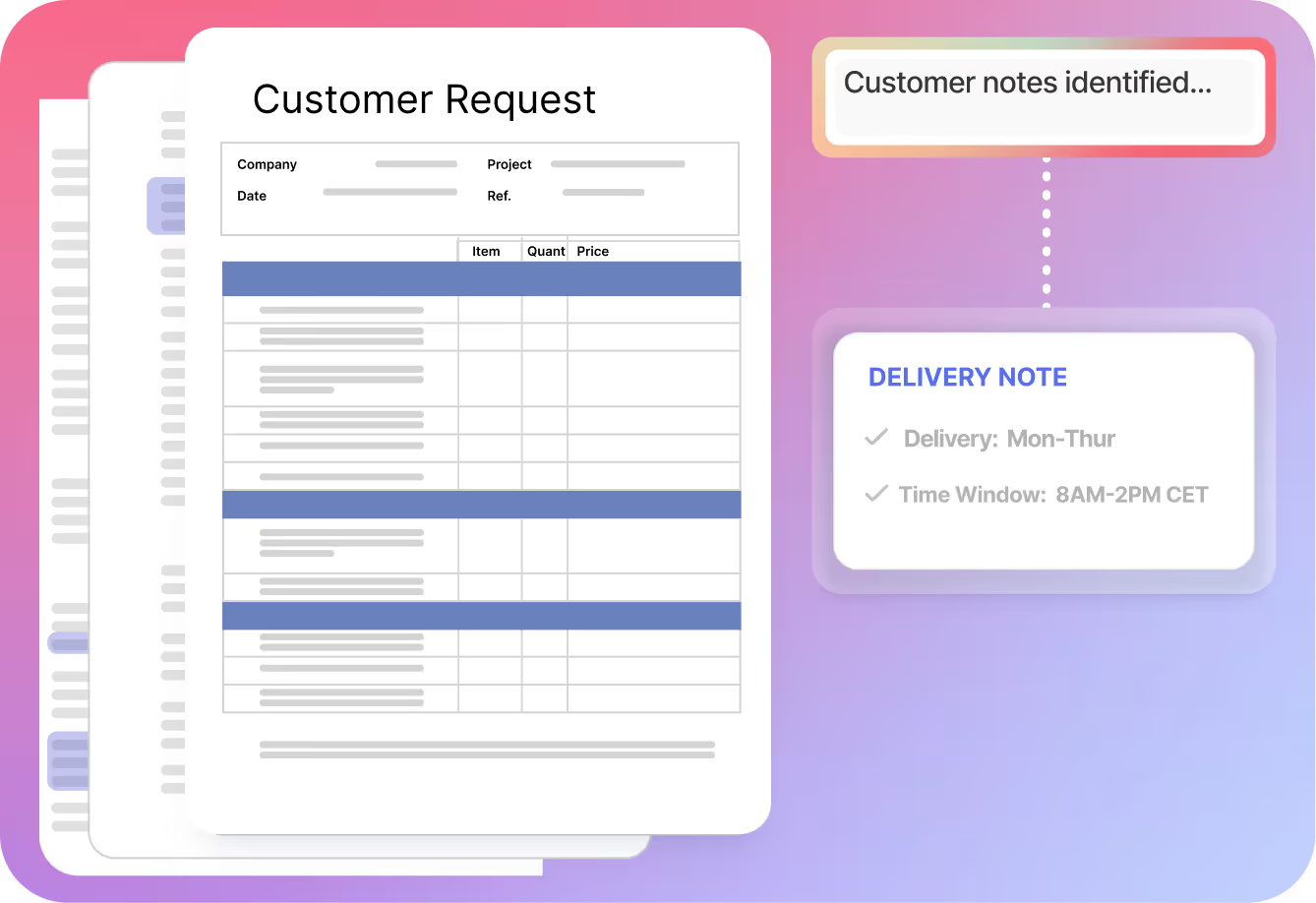
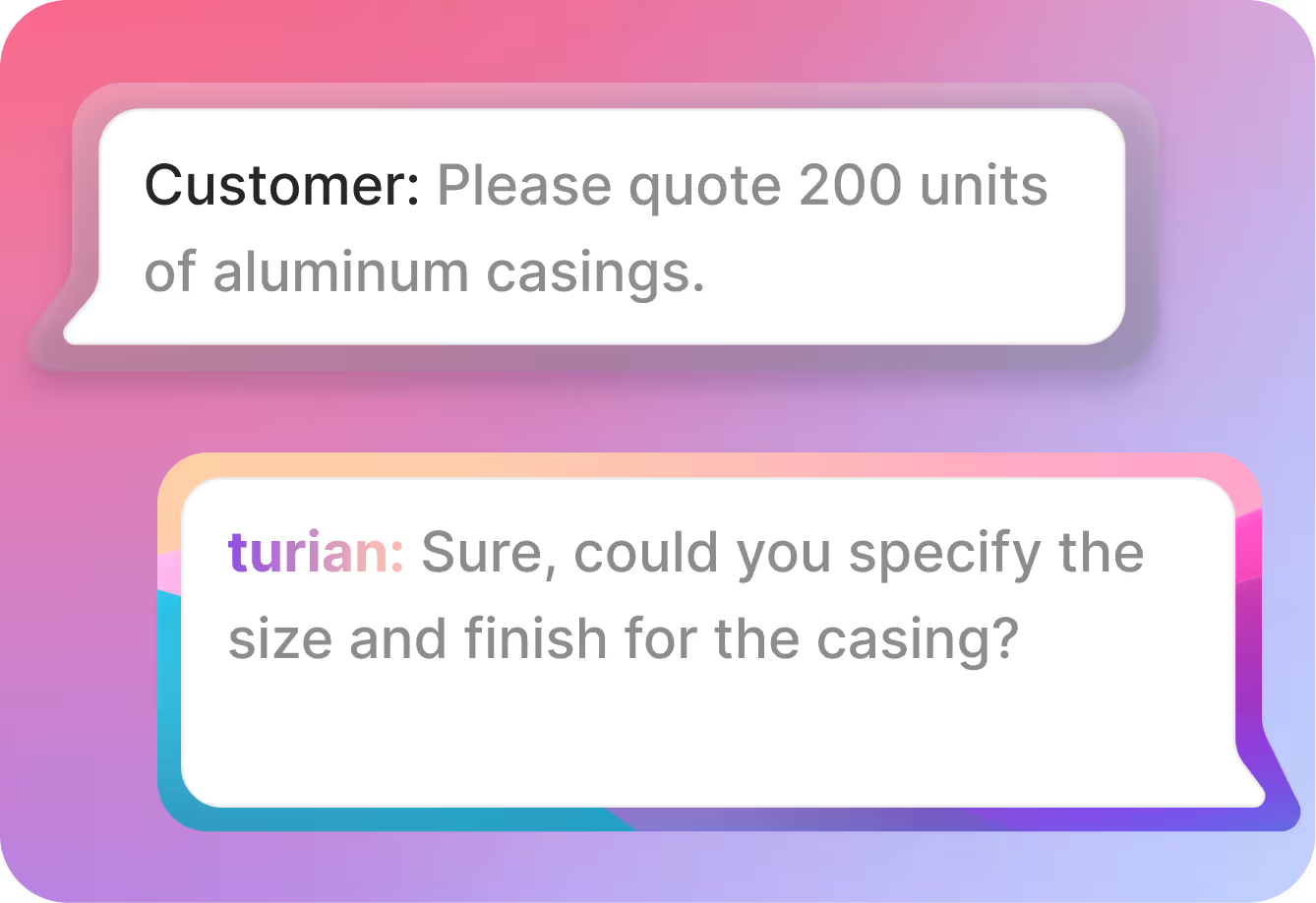
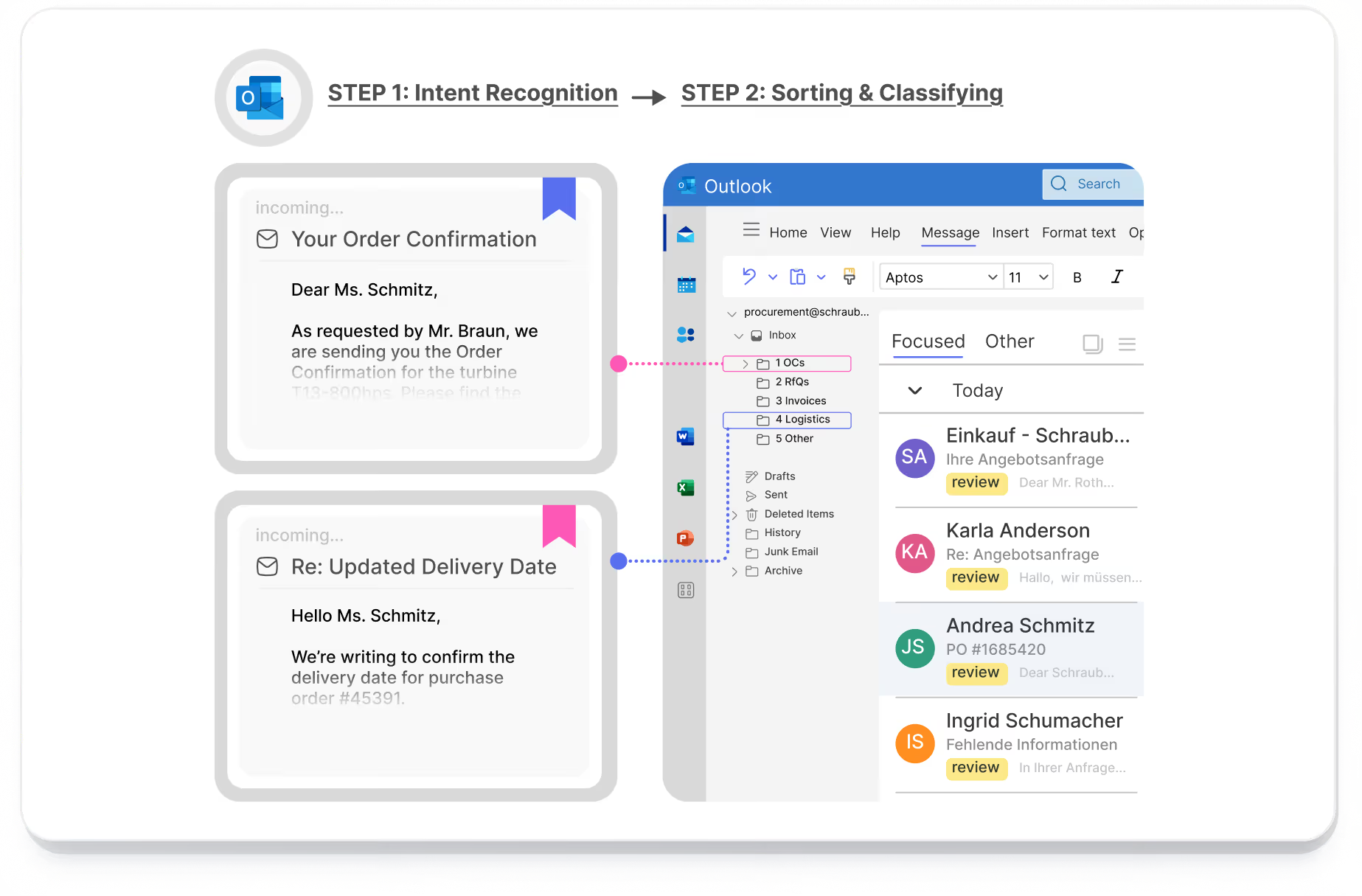
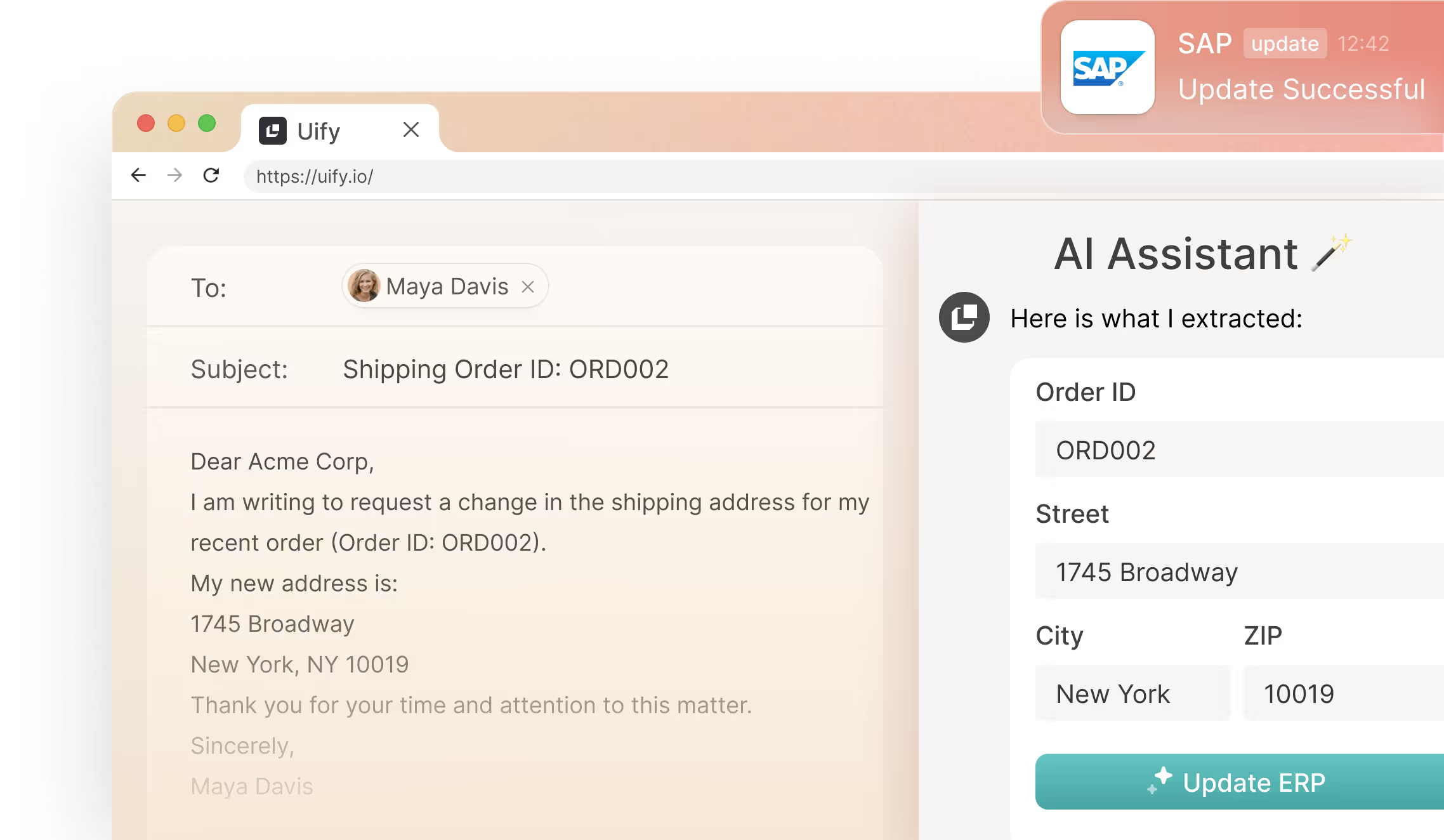
AI agents can read, categorise, and distribute emails across inboxes. This allows you to identify different documents such as orders or inquiries, or extract relevant customer details, including postal code areas and affiliations.
Process different document formats and languages
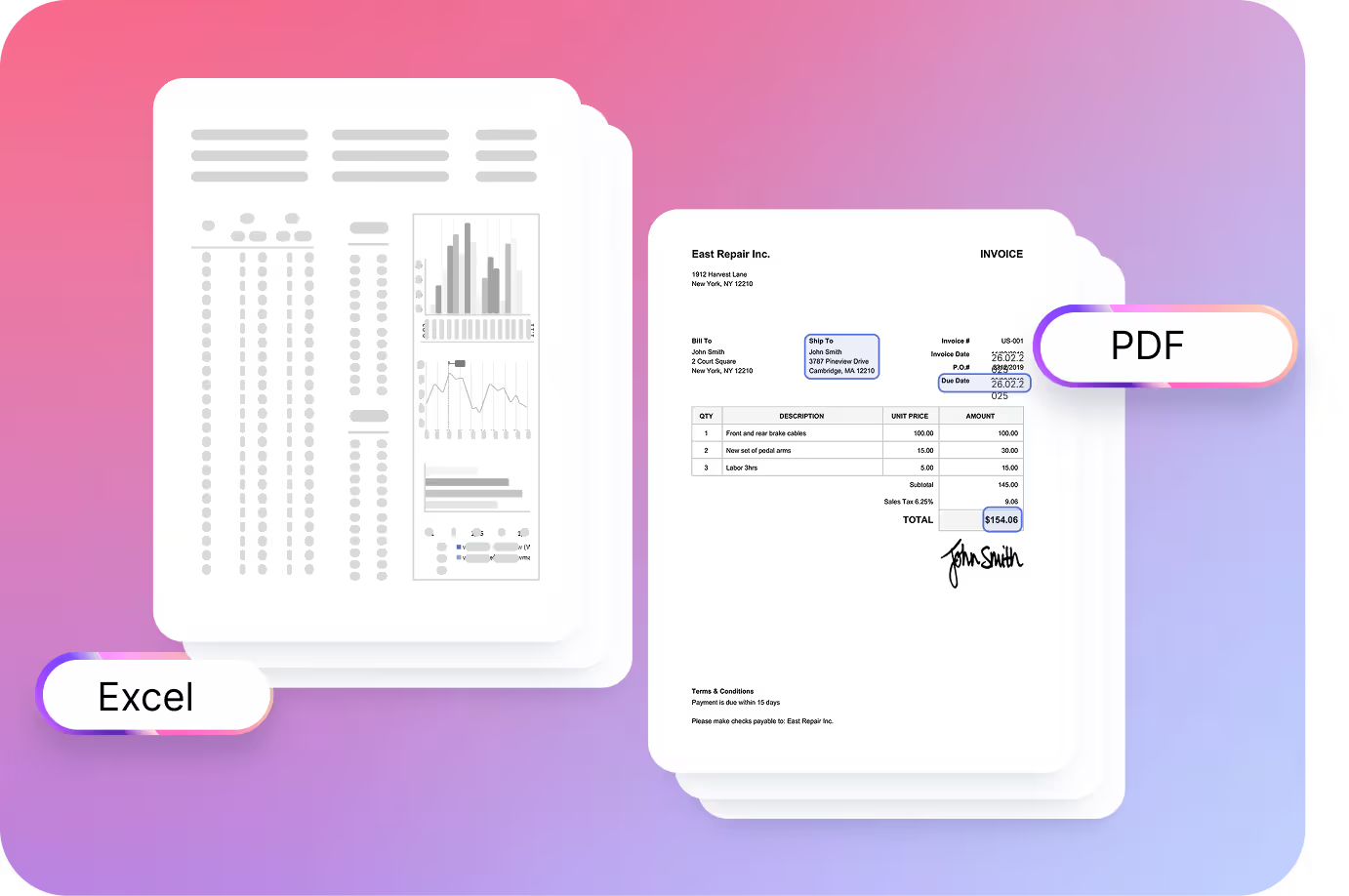
Our AI agents understand documents regardless the format and language. You can process free-text emails, PDF, Excel, Word, JPEG, and more, in any language, no training needed.
The agents take care of matching all key data points with master data and business rules.
Human-in-the-loop approach
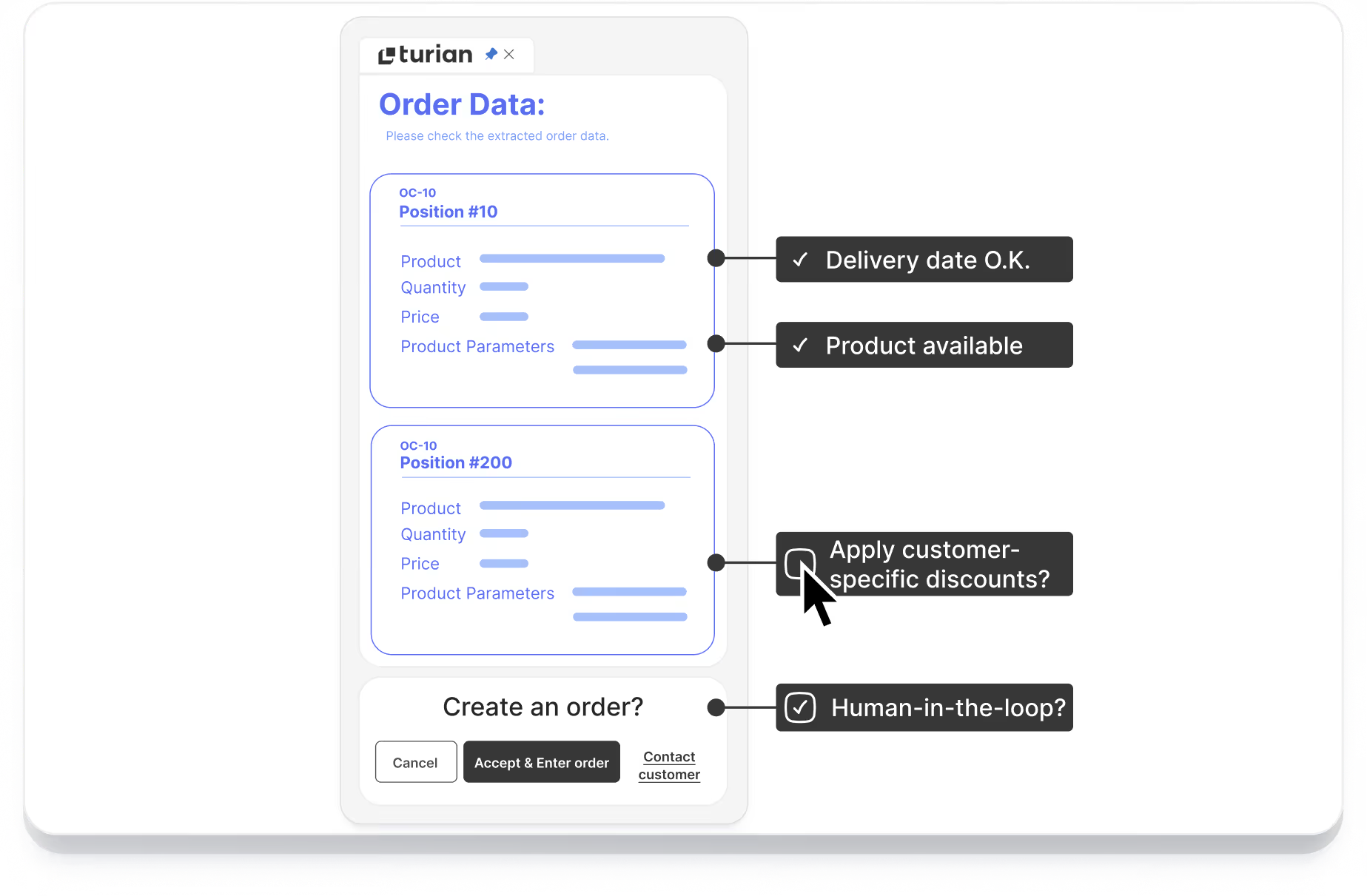
You can keep control over which processes are automated. Your team can approve workflows and adjust data points manually thanks to the human-in-the-loop approach.
Reduce response time for incoming requests
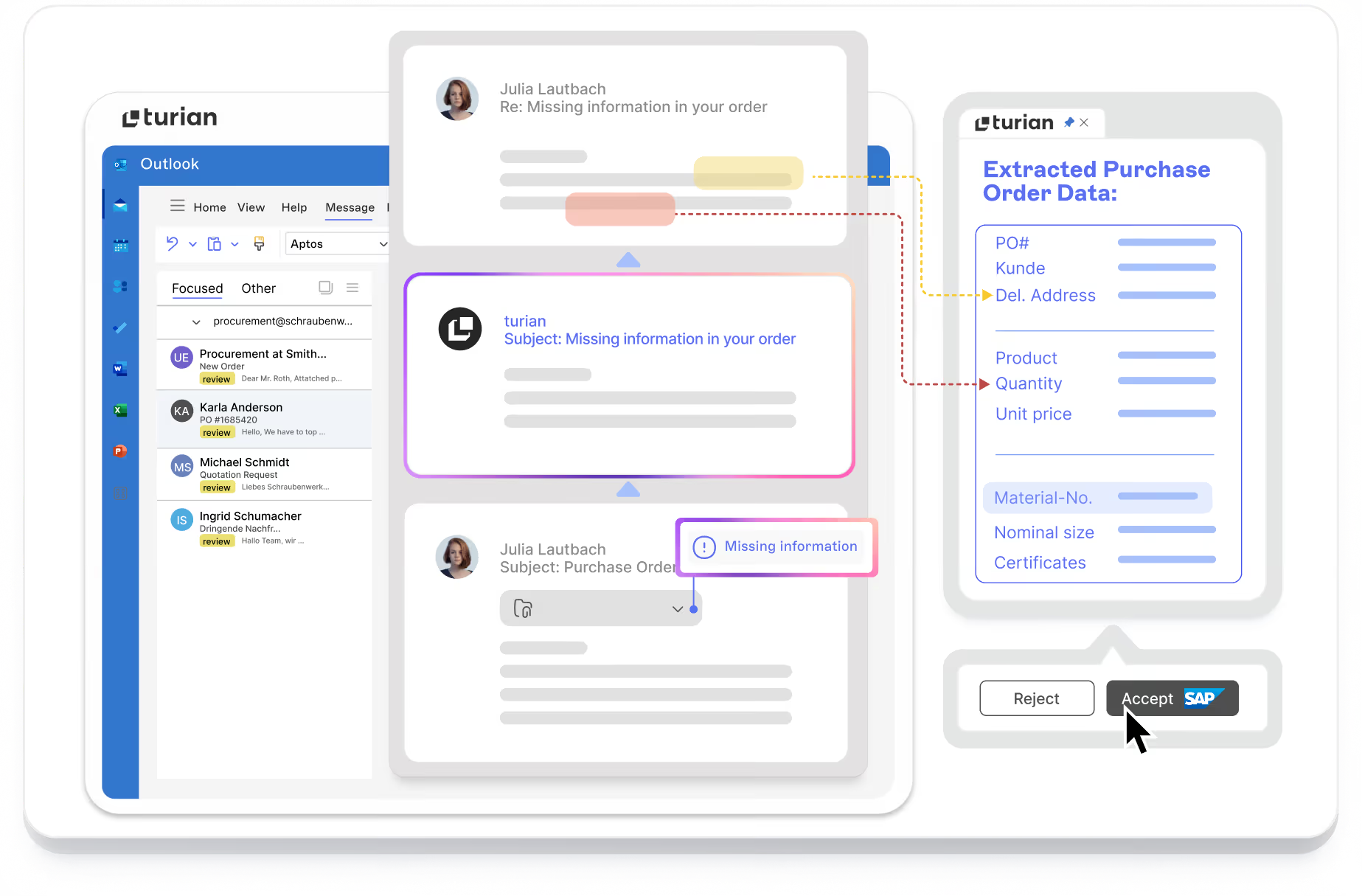
turian’s AI agents can follow up on missing details or send automated reminders if desired.
They’re also able to generate and send quotes or order confirmations without manual input.
Adapt workflows to your team's needs
Set up custom rules to check stock availability, delivery timelines, or customer-specific pricing conditions.
turian’s flexible platform lets you adapt AI agents to match the unique processes of your sales operations.

Say hi to your
AI Assistant!
Frequently Asked Questions

Sales order automation is the use of software to receive, process, and record incoming customer purchase orders without manual data entry. turian's AI agents read each incoming order (whether it arrives as a free-text email, a PDF, or an Excel file), identify the customer, match each line item to the correct internal SKU, validate pricing, and create the sales order record in the ERP. Human team members review and confirm the output before it is finalised.
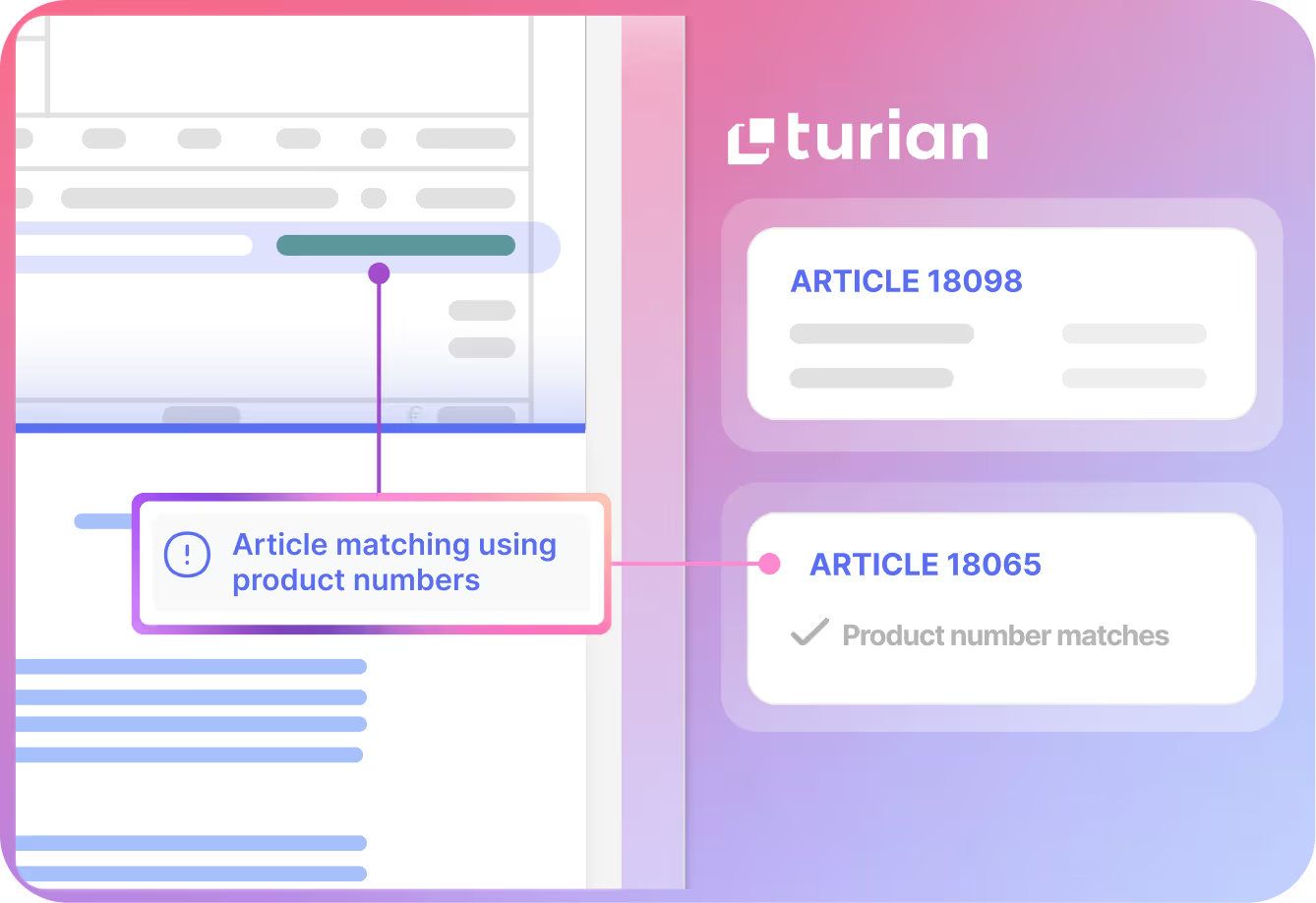
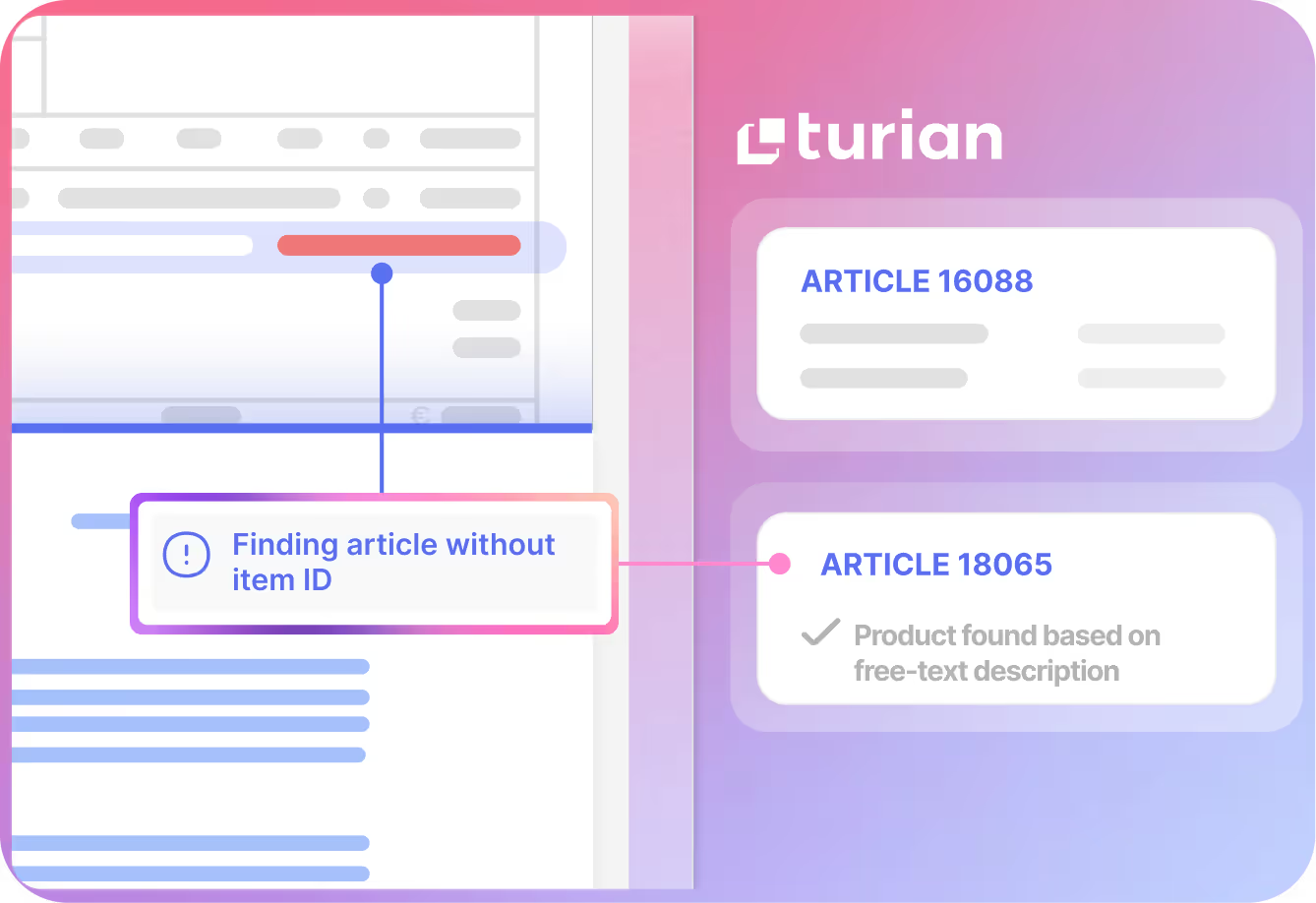
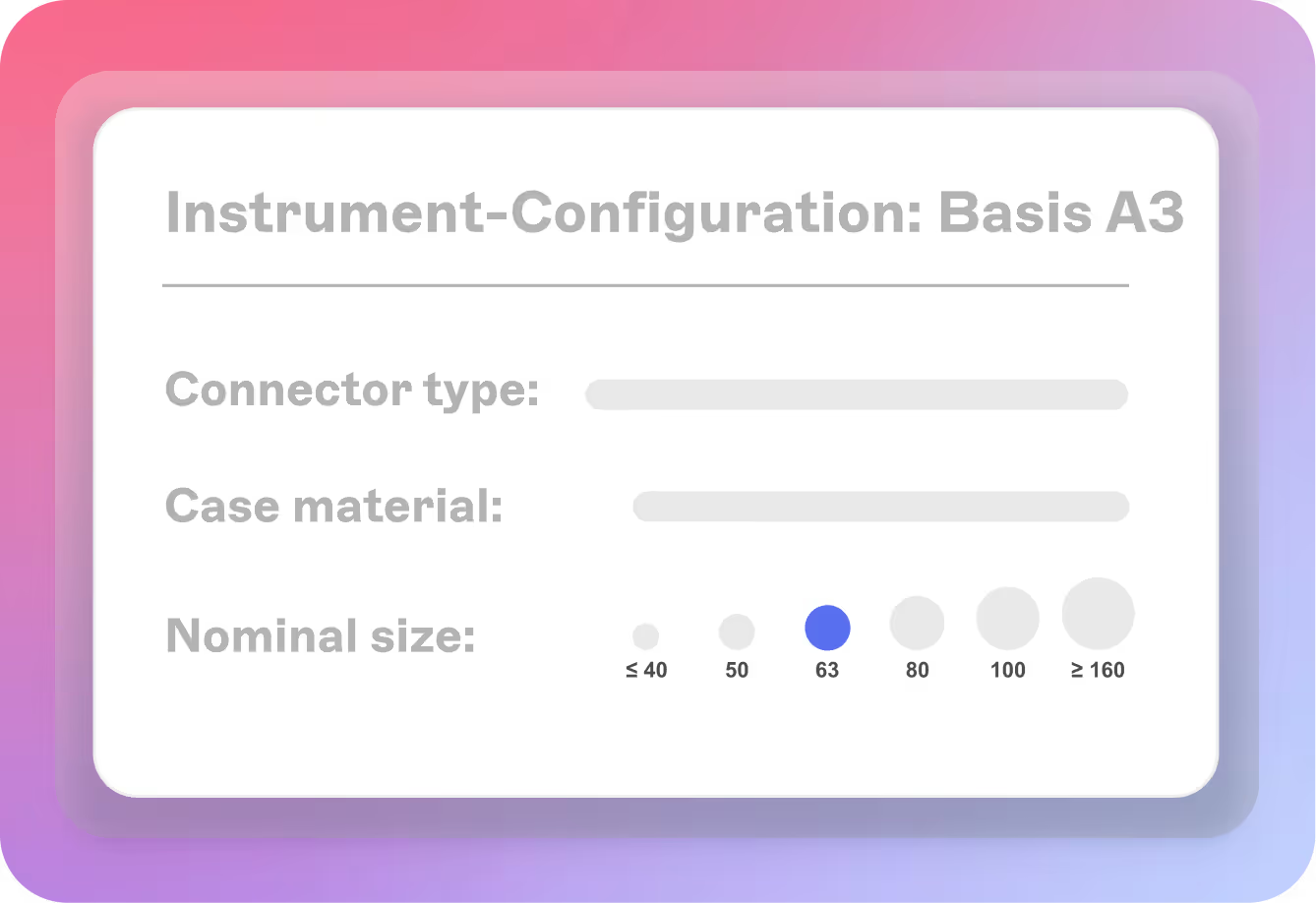
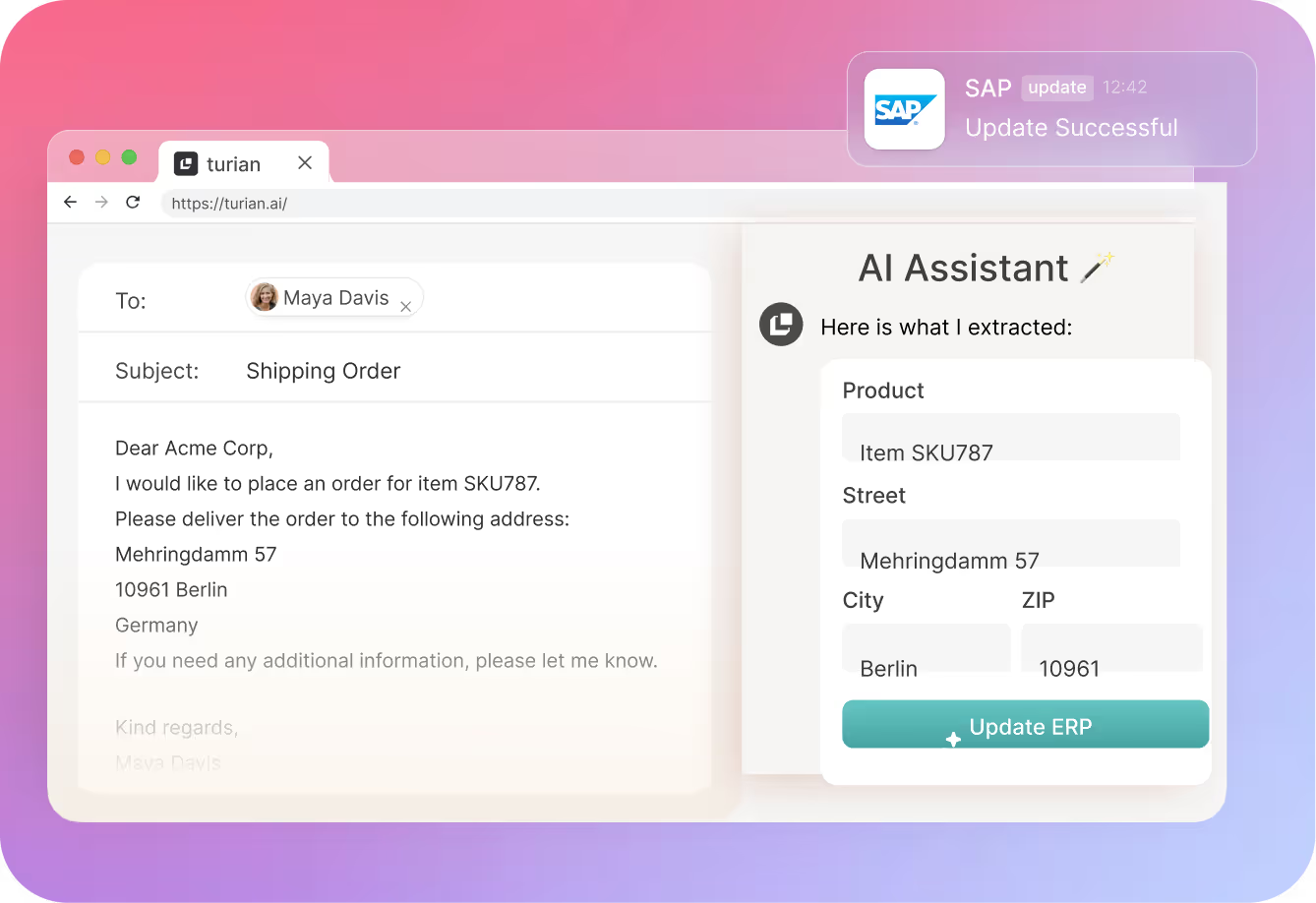
turian reads incoming orders in any format using large language model-based document understanding. It identifies the customer from the sender's email address or document content, matches each ordered product to the correct internal SKU using description-based matching and cross-reference lookup, checks pricing against the applicable customer agreement in the ERP, and creates the sales order record automatically. turian’s AI agents can automatically handle common exceptions, such as matching products even when the item number is missing or price deviations. The workflow can be adapted so that your human team members only review what needs their attention.
Sales order automation reduces order confirmation time from hours to minutes for routine orders, which sets a faster and more reliable service expectation. Customers receive confirmations sooner, make fewer follow-up calls to check order status, and experience fewer errors in their deliveries because automated product matching is more consistent than manual data entry. For distributors competing on service reliability, faster and more accurate confirmation is a direct customer experience improvement.
The primary operational benefits are higher order throughput without additional headcount, reduced error rates from manual data entry, faster order confirmation to customers, and more inside sales capacity for customer relationship work and exception handling. turian's customers report that the majority of routine orders process automatically, freeing the inside sales team to focus on the orders that genuinely require their expertise.
turian connects to SAP, Dynamics, and other ERP systems. It reads customer master data, product master data, and pricing conditions from the ERP to validate each incoming order against live data. When an order is confirmed, turian writes the sales order record directly to the ERP (including header, line items, pricing, and delivery details) without a manual import step. Supported systems include SAP Business One, SAP S/4HANA, SAP ECC, Microsoft Dynamics 365, Infor, ProAlpha, and others.
OCR and RPA tools require structured, predictable input and a configured template for each customer's document format. They fail when a format changes or when a customer uses their own article numbers instead of the supplier's codes. turian's LLM-based approach reads any document format without templates, interprets product descriptions semantically rather than matching strings, and handles customer-specific article numbers through cross-reference lookup and description-based fallback. This means a new customer's first order, an informal email with no attachment, or a document in German or French is handled without manual pre-processing.